Digital asset management
Keep images, video and documents in one place. Let AI write alt texts and share folders with a link.



Everything you need for your digital assets

Every type of file
Enad's Digital Asset Management handles every type of file with ease – images, video and documents.
Shared folders
The platform also offers powerful folder management and sharing.
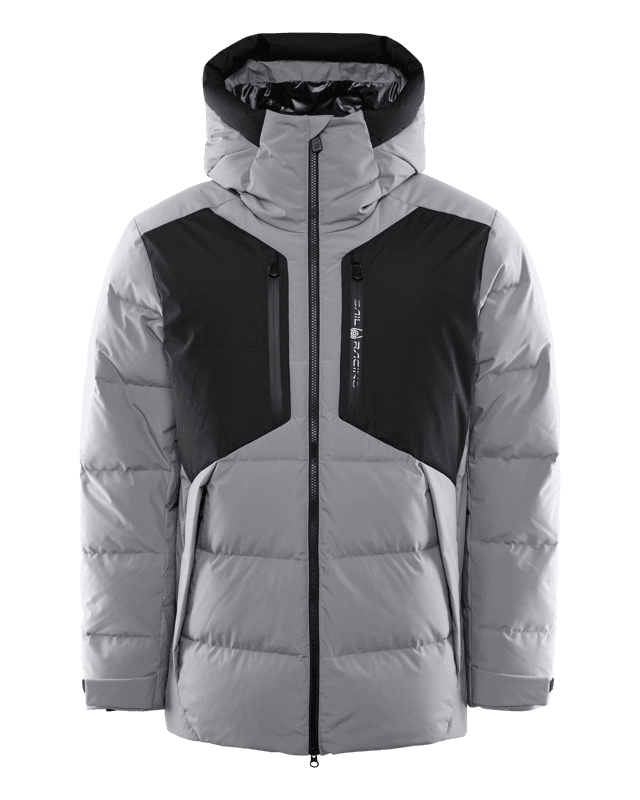
Alt texts and attributes with AI
AI analyses the image and suggests alt texts and attributes, such as image type and colour.
Crop and resize
Crop, resize, rotate or flip an image. Overwrite it or create a new size variant.
Super-fast image CDN
Enad's DAM also includes a super-fast, efficient CDN that delivers your images worldwide. With built-in scaling, every channel always gets the right image size.
Read more about the image CDN →The whole asset library is available over API
Everything you do in the asset library can also be done over API, so you can integrate it with your PIM, webshop, CMS and own tools without manual exports.
Management API
Create images, video and files in bulk, organise folders and permissions, and create share links. Name images after their product number or SKU and they are linked to the products automatically, with a suffix in the file name setting the image order.
DAM API
Fetch folders and their contents, and search every image, video and file by title, alt text, description and translations. The response includes filters per attribute, so you can build your own image search in a webshop or intranet.
How it works
Upload and organise
Collect images, video and documents in folders and link them to the right products.
Let AI write alt texts
AI suggests alt texts in several languages. You review and approve them before they are published.
Share and publish
Share folders internally or with a link, and deliver images fast through Enad's image CDN.
What is DAM?
DAM stands for digital asset management: a system where you collect, organise and share images, video and documents. In Enad it is the asset library, and the files are linked to the products in the product catalog (PIM).
What is the difference between PIM and DAM?
PIM holds the information about your products: names, descriptions, attributes, prices and translations. DAM holds the files: product images, campaign images, video and documents. Enad has both in one platform, so an image is linked to the product it shows.
Which file types are supported?
Images, video and documents, such as product images, campaign films and size guides.
How does the asset library use AI?
AI writes alt texts for your images, removes backgrounds from product images and creates new campaign images in AI Studio from the images you already have. Everything AI produces is a suggestion you review before it is used.
How does AI write the alt texts?
You start an AI job for a folder or a selection of images and pick the languages. The AI looks at each image and writes a suggestion per language. The job can run on every image or only on those missing alt text, and an AI profile sets the tone and terminology.
Are AI suggestions published automatically?
No. Suggestions go to review, where you approve, edit or reject them image by image. Review each language separately, especially after you change AI model.
Can AI remove the background from product images?
Yes. The image CDN removes the background with machine learning when the image is requested, controlled by a parameter in the image URL. The original in the asset library stays untouched.
Can we create new images from the ones in the asset library?
Yes, in AI Studio. You pick product and model images, a preset for setting and lighting, and write an instruction. AI Studio produces several variants, and the one you choose is saved to the asset library.
Which AI model is used?
Enad's own AI is included and works without separate contracts or keys. If you prefer Gemini, OpenAI or Anthropic, connect your own API key and choose the model in settings.
Is there an API for the asset library?
Yes, the whole asset library is API-based. The Management API uploads and manages images, video, files, folders and share links, and the DAM API fetches folders and searches the files. That makes a DAM API integration with your webshop, PIM or CMS straightforward. The documentation is at docs.enad.io.
Can we share folders with external partners?
Yes. You can share a folder with a link that opens without an Enad account, and choose whether files can be downloaded, whether the link needs a password and how long it is valid.
How are images delivered to the web?
Through Enad's image CDN, which scales and crops images to the size each channel needs.