



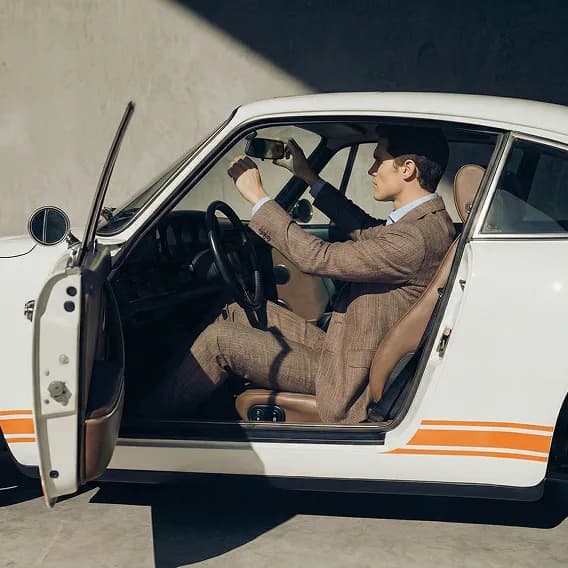

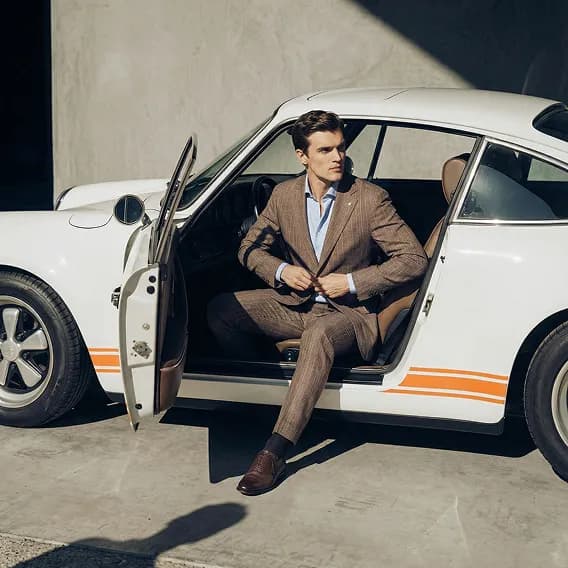
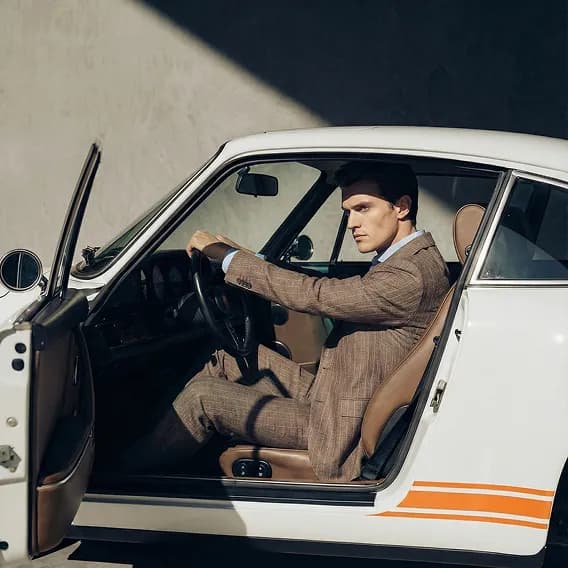
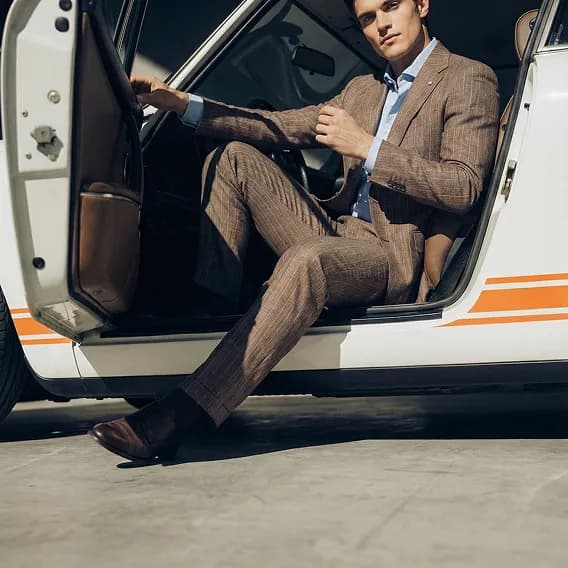
The AI knows the product before it creates the image
A typical image AI gets a prompt and maybe an image, and has to guess the rest. In Enad, product data and the asset library are connected, so AI Studio gets what you rarely tell an image AI: material, colour, fit, details and every image of the product. That's why the images match the product you actually sell.
A prompt and one image
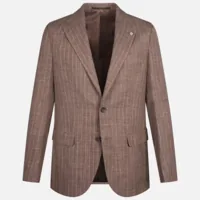
A prompt and the whole product
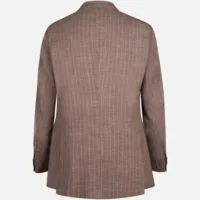
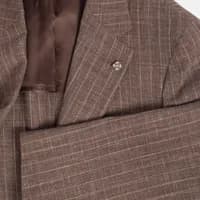
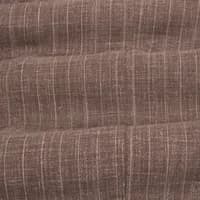
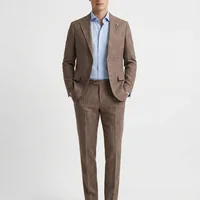
Colour, material and details come from the product data instead of being guessed.
The AI sees front, back and detail shots from the asset library, not just one uploaded image.
No need to paste product information into the prompt. It's already on the product.
The finished image is saved to the asset library, linked to the product and ready to publish.
How it works
Pick images from the asset library
Select the product and model shots the AI should start from.
Describe what you want to create
Write a prompt, for example that the model should hold the black bag.
Save the result to the asset library
Pick the best variant and save it straight to the DAM, ready to publish.
What is AI Studio?
AI Studio is Enad's tool for creating and editing product and campaign images with generative AI, right in the asset library.
Which images can I start from?
Images already in Enad's asset library, such as product shots and model shots.
How do I describe what I want to create?
You write a prompt, for example that the model should hold the black bag, and then generate the image.
Where are the generated images saved?
In the asset library (DAM), ready to use in every channel.
Can AI write alt texts for images?
Yes. Enad can generate alt texts for the images in the asset library.